
Protect Your Business Data with Automatic Cloud Backup
Postaze PostBackup keeps your vital Tally accounts, GST invoices, Busy software exports, Excel registers, and customer records safe forever. Simple 1-click cloud backup built for Windows PC, designed for shopkeepers and small businesses.
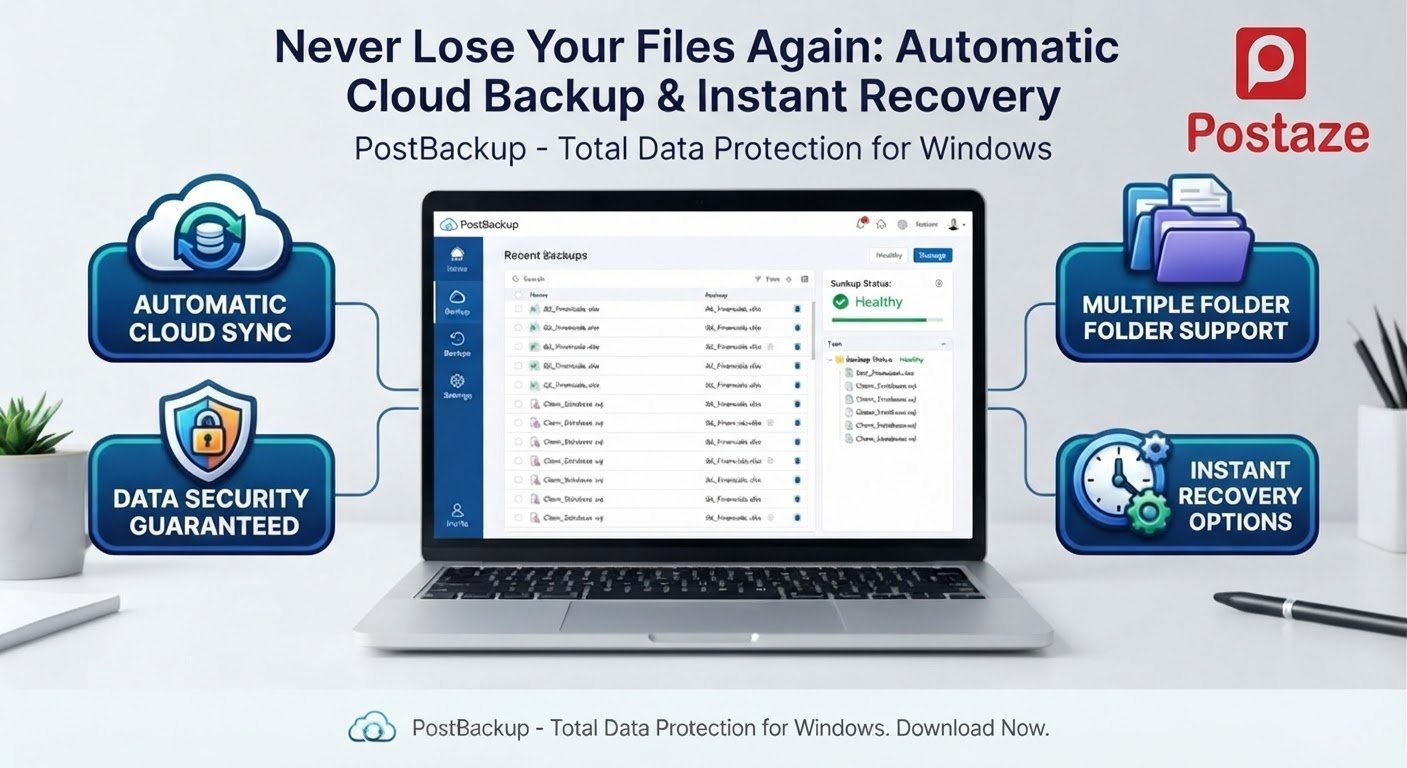
Why Does Every Small Business Need Cloud Backup?
Every year, thousands of business owners lose years of accounting and billing records in a few seconds. Pen drives get misplaced, hard disks crash, but a cloud backup is always safe and ready.
Hard Disk Failure
Computers suddenly stop starting, and technicians say the hard disk is broken. PostBackup ensures your valuable accounting data is never lost.
Virus & Ransomware Attacks
Viruses from the internet or USB drives can lock all your billing files. An encrypted cloud copy stays completely protected.
Lost or Corrupted Pen Drives
Taking backups on pen drives is risky. Pen drives easily get lost, corrupted, or accidentally formatted.
Moving to a New PC
Bought a new computer or laptop? Just log into PostBackup and restore all your business data to the new machine with one click.
Start Protecting Your PC in 3 Simple Steps
No IT technician required. Set it up once in a few minutes, and let it protect your business automatically.
Install from the Microsoft Store
Download certified Postaze PostBackup from the Microsoft Store. It is safe, virus-free, and officially verified for Windows 10 and 11.
Automatic Scan • 1-Click Backup
The application automatically identifies your important files across C:\ and D:\ drives (Tally, PDFs, Invoices, Excel). Click "Backup Now" to begin.
Silent 6:00 PM Daily Backup
Every evening at the end of the business day, PostBackup quietly backs up new and modified files in the background. It never slows down your billing PC.
What Files Does PostBackup Protect?
PostBackup protects your daily business and personal documents while automatically skipping temporary junk and system files.
📄 Accounts & Business Files (Always Protected)
Tally exports, Busy accounts, GST bills, purchase orders, vendor agreements, and tax returns:
📷 Photos & Videos (Optional Toggle in Settings)
Office photos, product catalogs, work pictures, and event memories:
🔒 1-Click Instant Restore (Disaster Recovery)
Whenever you need your data back — whether it is a single deleted bill or an entire accounting folder — simply search the file name in PostBackup and restore it with one click.
- Instant File Search: Find any document by name and download it immediately.
- Full Folder Restore: Bring back complete directories to their original disk locations.
- Seamless New PC Migration: Set up a replacement laptop or computer without data loss.
- Always Accessible: Your files remain securely available whenever you need them.
Built Specifically for Windows Desktop
Reliable engineering tailored to the daily needs of business owners, traders, and accountants.
Zero Slowdown
PostBackup tracks file changes using fast Windows technology without heavy disk crawling, so your billing software and Tally run smoothly.
Bank-Grade Security
All files are encrypted with industry-standard AES-256 before leaving your computer. Your business data remains completely private.
Automatic Resume
If your internet disconnects during an upload, PostBackup automatically pauses and resumes from the exact same file when reconnected.
Custom Backup Folders
Have an external hard drive, custom accounting folder, or network share? Add any folder with a single click in Settings.
Automatic 6:00 PM Daily Schedule
PostBackup runs silently every evening at 6:00 PM without requiring anyone to remember to plug in a USB drive.
Certified by Microsoft
Installed directly from the official Microsoft Store, ensuring guaranteed authenticity, clean updates, and zero viruses.
Frequently Asked Questions
Common questions about PostBackup, data security, and how it protects your computer.
1. Will PostBackup slow down my billing computer or Tally?
No. PostBackup is built specifically for modern Windows computers and runs with low system priority in the background. It does not scan your entire hard drive during daily runs, so your billing software and everyday work continue without interruption.
2. What happens if my internet disconnects during a backup?
You do not need to do anything. PostBackup automatically pauses and will quietly resume from the exact same file once your internet connection is restored.
3. Is my business and accounting data private and secure?
Yes, 100%. All files are encrypted using bank-grade AES-256 encryption before being stored in the cloud. Only you have access to your data.
4. How do I restore my files if my computer breaks or I buy a new laptop?
Simply install PostBackup on your new computer from the Microsoft Store, log in to your account, and click Restore. You can restore single files or all your folders back to their original locations.
5. Which versions of Windows are supported?
PostBackup supports all computers and laptops running Windows 10 (64-bit) or Windows 11.
Protect Your Business Data Today
Do not wait for a hard disk crash or virus attack to lose years of accounts. Install PostBackup now from the official Microsoft Store.